Battle Screens: Multiplayer Shooter
When developing Battle Screens, to solve what we saw as problems with currently available mobile first person shooter (FPS) games, we agreed upon three key design points:
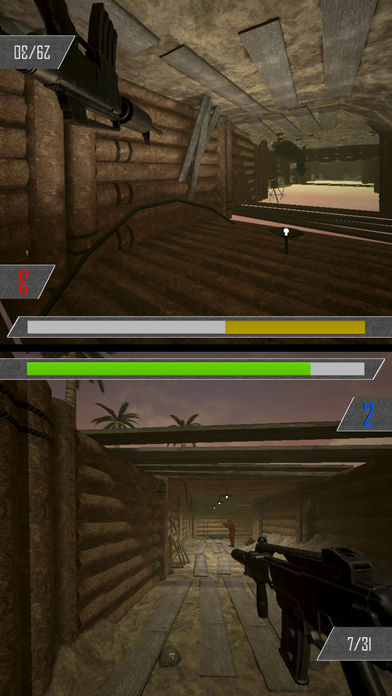
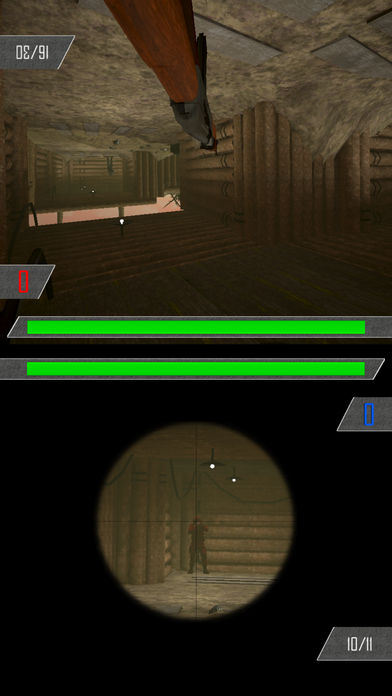
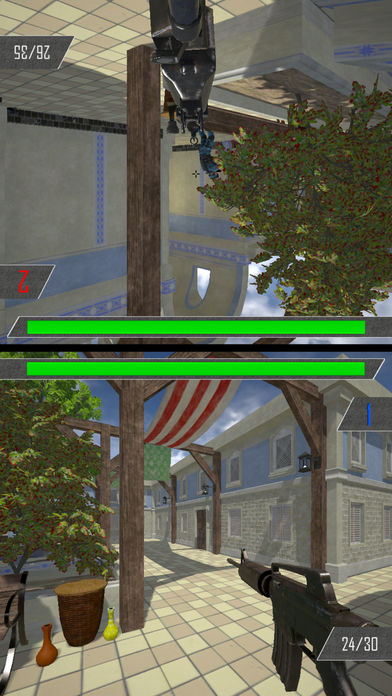
1. To use minimal UI. All first-person shooter (FPS) games on mobiles that we had played were inundated with virtual buttons, joysticks, and visual feedback; which, whilst not out of place on a large screen, littered the majority of a five inch mobile device's screen, masking the 3D world, and obstructing any sense of immersion. With a split screen game, the space is halved, and this problem doubles in magnitude.
2. To eliminate crosshair placement. The pixel perfect aiming using a mouse or joystick is substituted for a touch input that can cover hundreds of pixels. Mainstream shooting mechanics did not work in our opinion, and an alternative method to 'crosshair placement' needed to be found.
3. To solely use local multiplayer. With the standard of mobile screen size's getting larger, and to avoid dealing with the typical signal loss that a phone suffers from intermittently, we chose to make the game a split screen multiplayer. As this halves the amount of screen space for a prospective player, the importance of the first two points grew. With screen space a much valued commodity, we couldn't risk filling it with many often unused buttons, especially in a competitive setting. The removal of an aiming or firing button had to tie in to whatever the new firing controls would be.
Our solution was a typical twin stick movement system akin to console controls. Where a swipe would perform the appropriate movement or turn, briefly showing a semi transparent joystick, and a tap would fire the gun not at the centre of the screen, but at the point of the world on which the player has tapped at on the screen. Competitive player exchanges would consist of repeatedly tapping upon the opposition players onscreen image, whilst the maps were small enough that movement would only be a trivial part of the game.
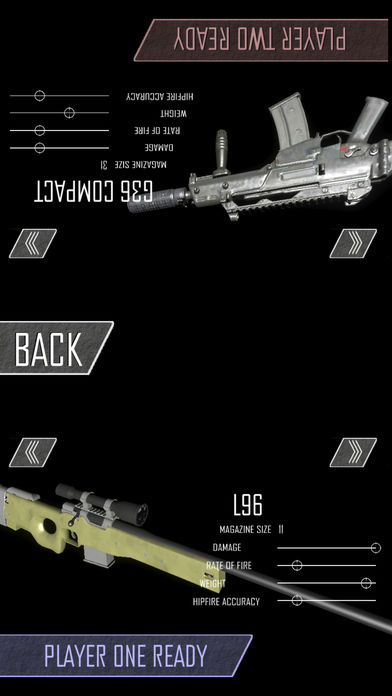
Whilst there are other facets to the controls, such as aiming down the sights to zoom in, and differing weapon accuracy; I am intrigued as to whether we succeeded in our design goals, and have chosen the basic controls as the topic for this usability survey and report. This control scheme was designed by FPS players, so given the extremely wide market for mobile games, I want to see how other players fare. I propose that console players that primarily play FPS games will intuitively grasp the controls more easily, as will someone who regularly plays any touch screen game on a mobile device. I would expect that players who do not play any games previously to find difficulty in effectively using a buttonless control system, but to what extent? As with any commercial venture, we would want this game to be usable by as much of the potential market as possible. As Jakob Nielsen summarised: "Game testing researches the notion of fun" and a mobile game must be fun if it is to be successful.